> For the complete documentation index, see [llms.txt](https://appreadynow.gitbook.io/appreadynow-docs/llms.txt). Markdown versions of documentation pages are available by appending `.md` to page URLs; this page is available as [Markdown](https://appreadynow.gitbook.io/appreadynow-docs/taskhub/things-to-note.md).
# Things to Note
## Hidden Design Elements
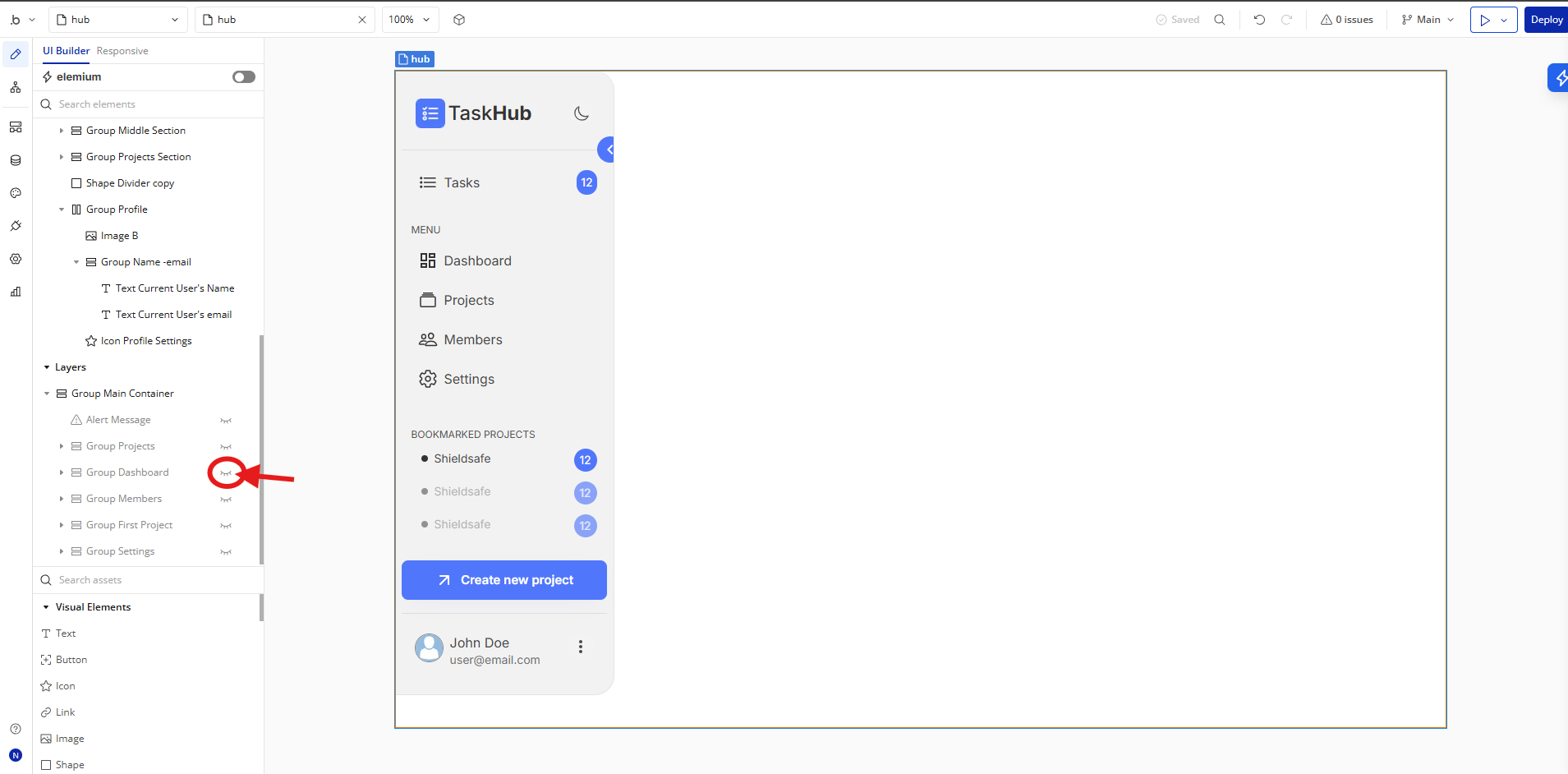
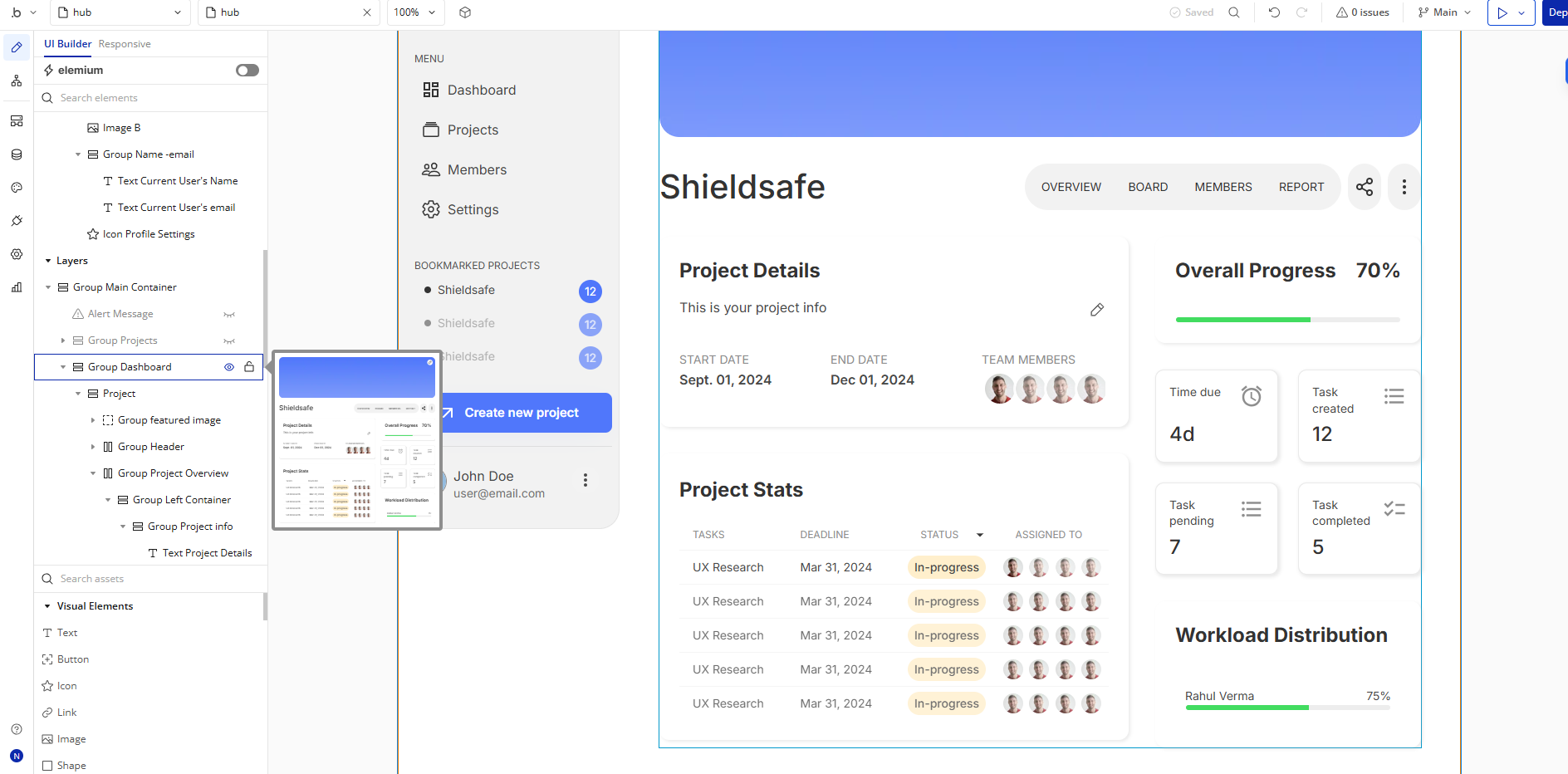
💡Tip: Initially, on some pages, design elements in Bubble Editor might be hidden. Here is an example of how to unhide 👀 them:
Click on the eye icon beside any element on the element tree.
## How it works:
### Sidebar Menu
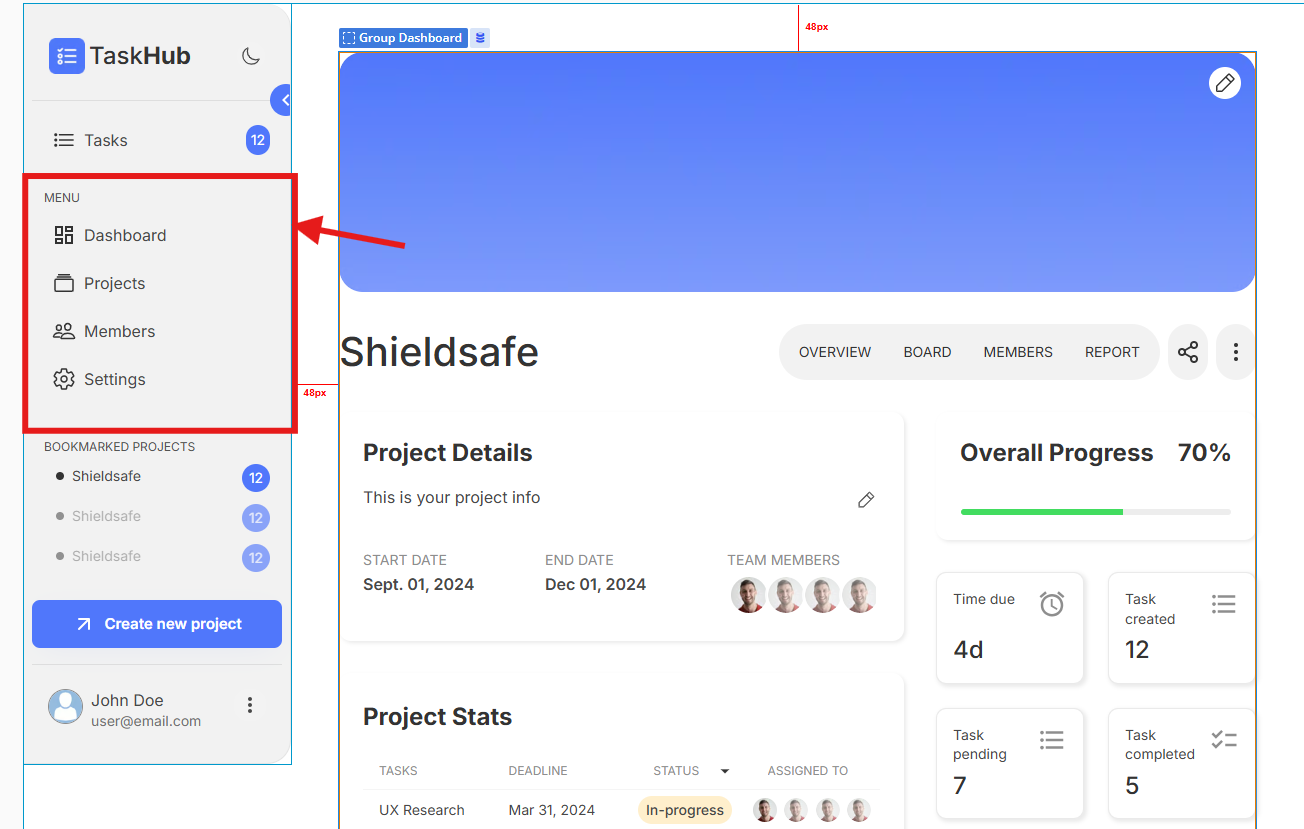
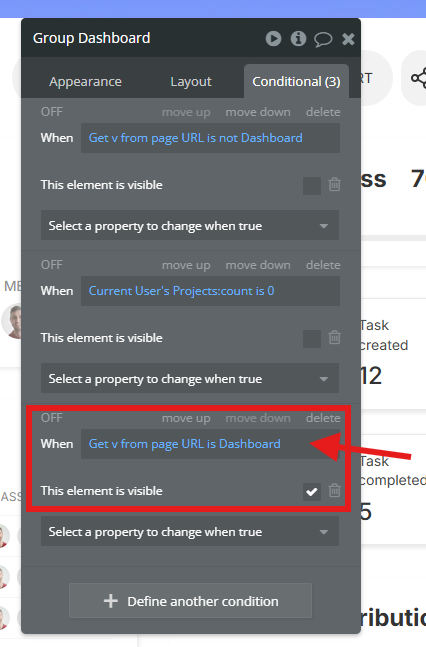
Each menu item on the sidebar of dashboard is hidden by default. It only appears when that option is clicked by getting a data from URL function in Bubble.
Sidebar Menu
Get data from page url
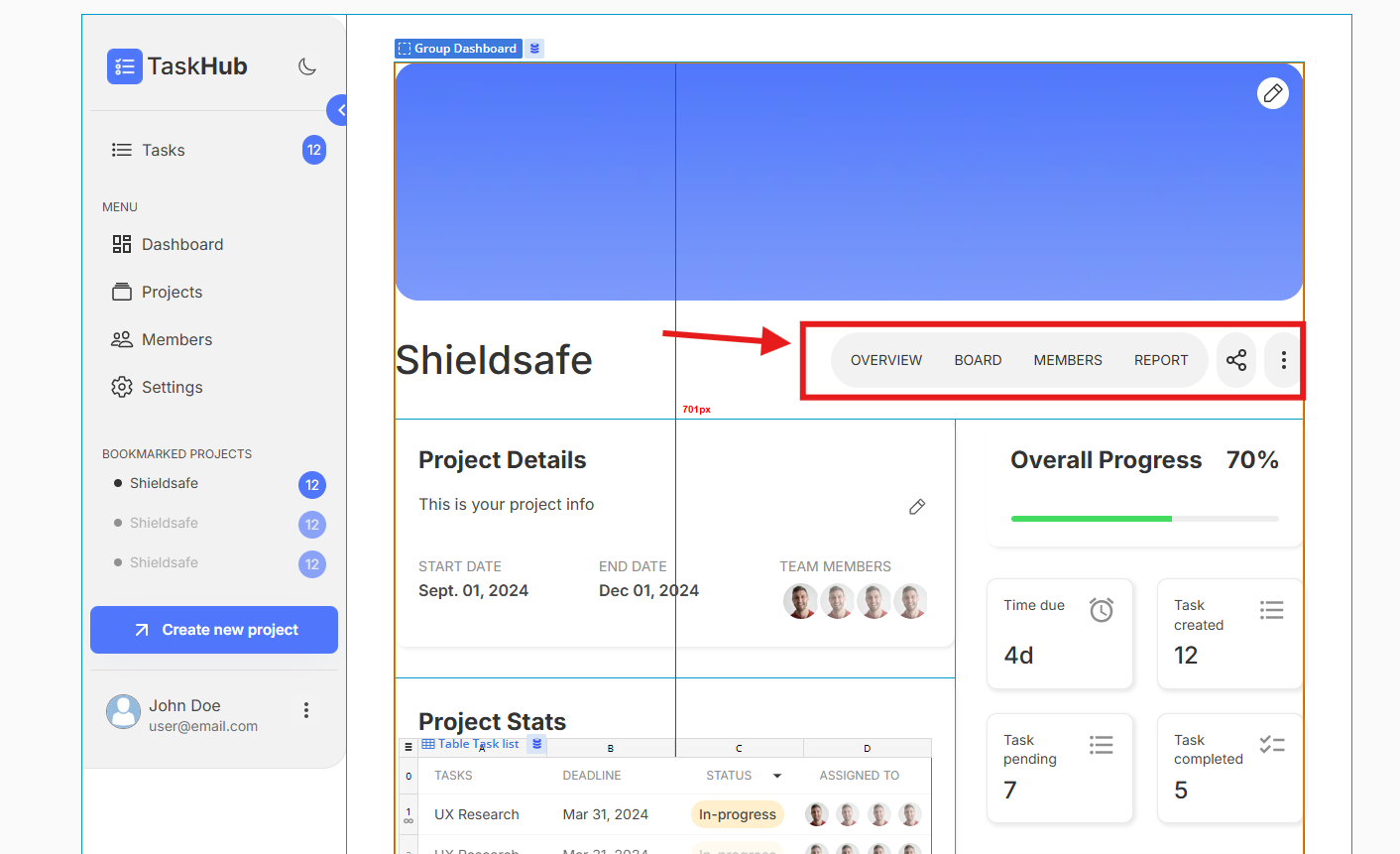
### Internal Menu in Project
Internal Menu in Project
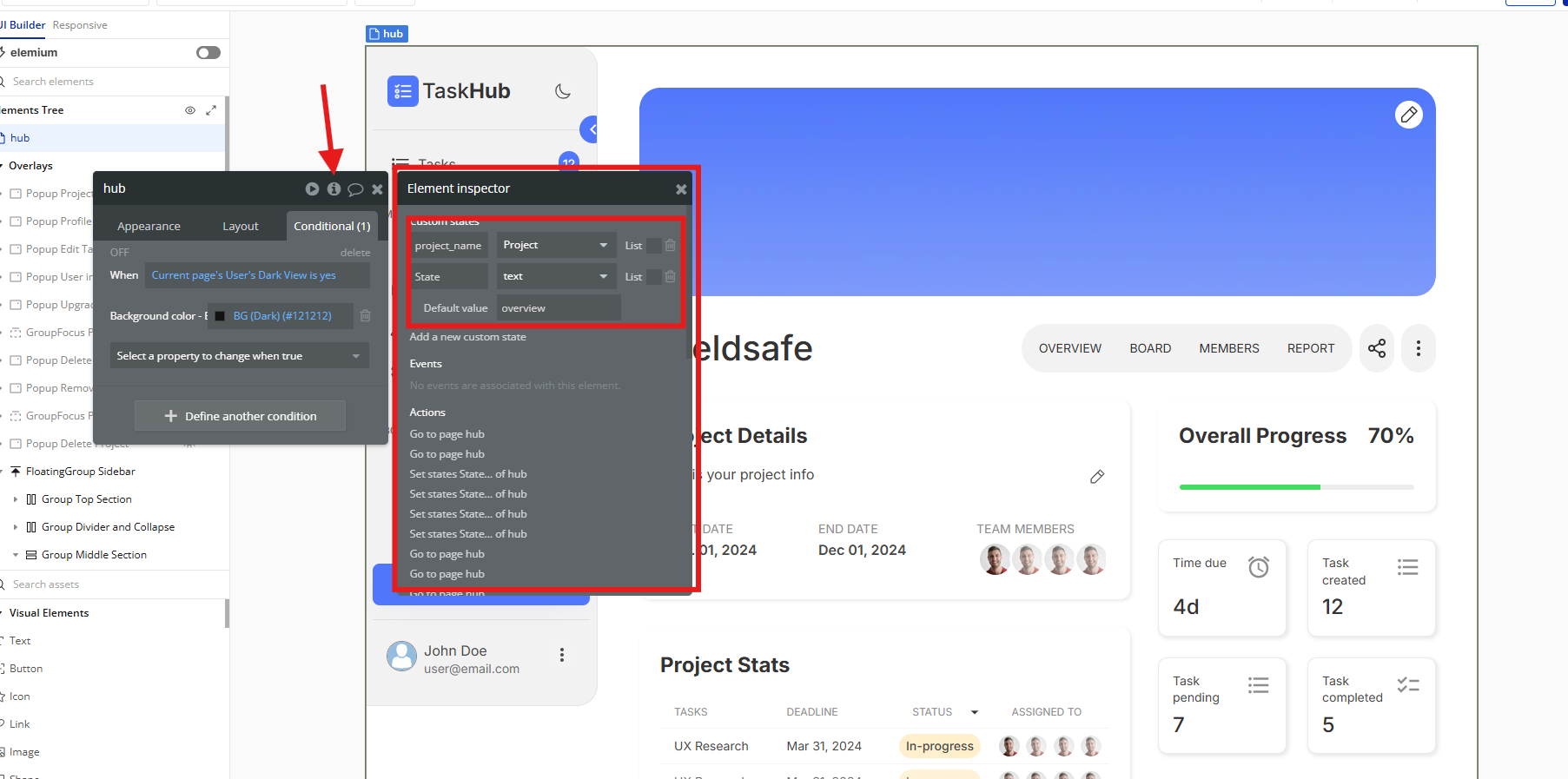
Internal menu buttons display content through Custom States, you can get all its info in 'Hub' Page element inspector dialog box. (click 'hub' in the top of element tree, now click the 'i' icon on top right corner as shown on screenshot)